




Discover what we have in store for you at
LAS BRASAS RESTAURANT
Enjoy live mariachi nights, live sports broadcasts, and special promotions every week.
You won’t want to miss it!


Menu
Order through:

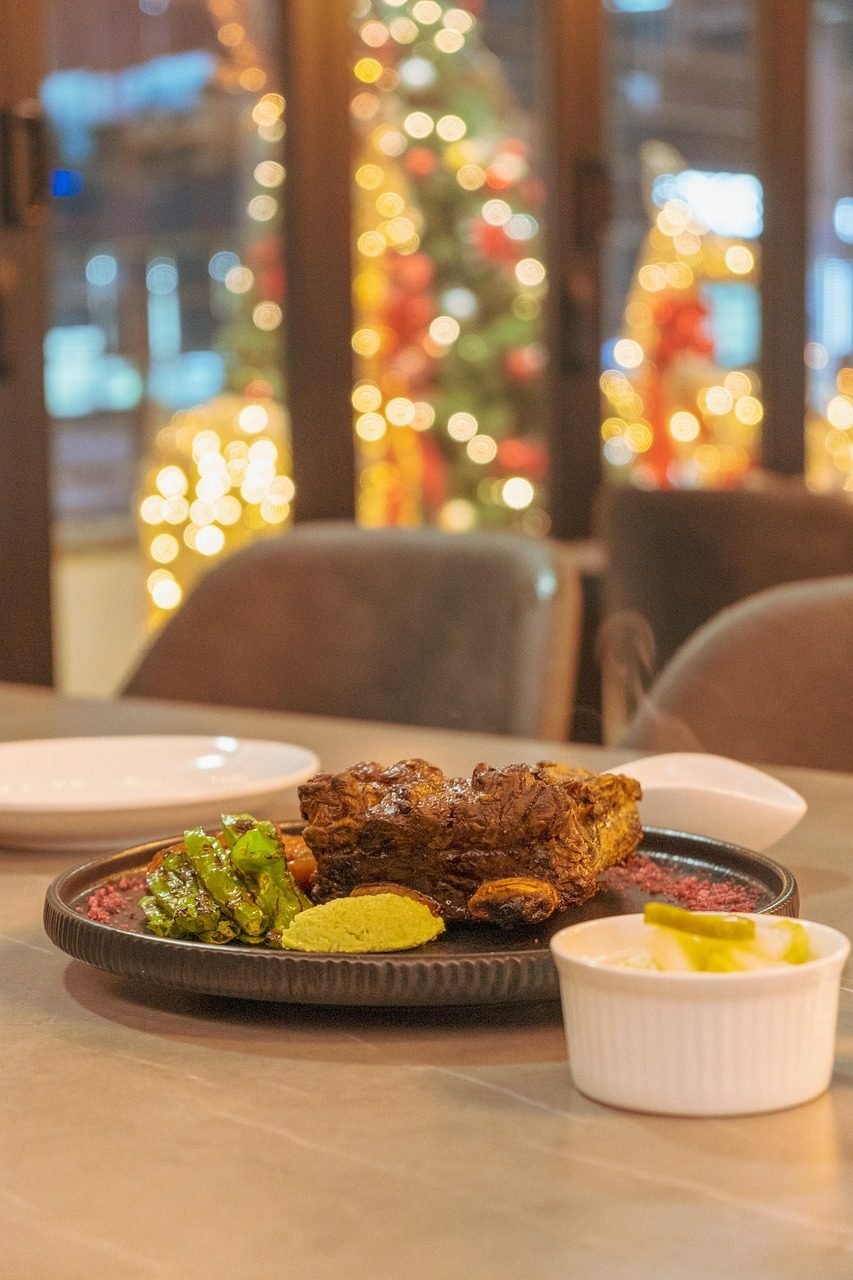
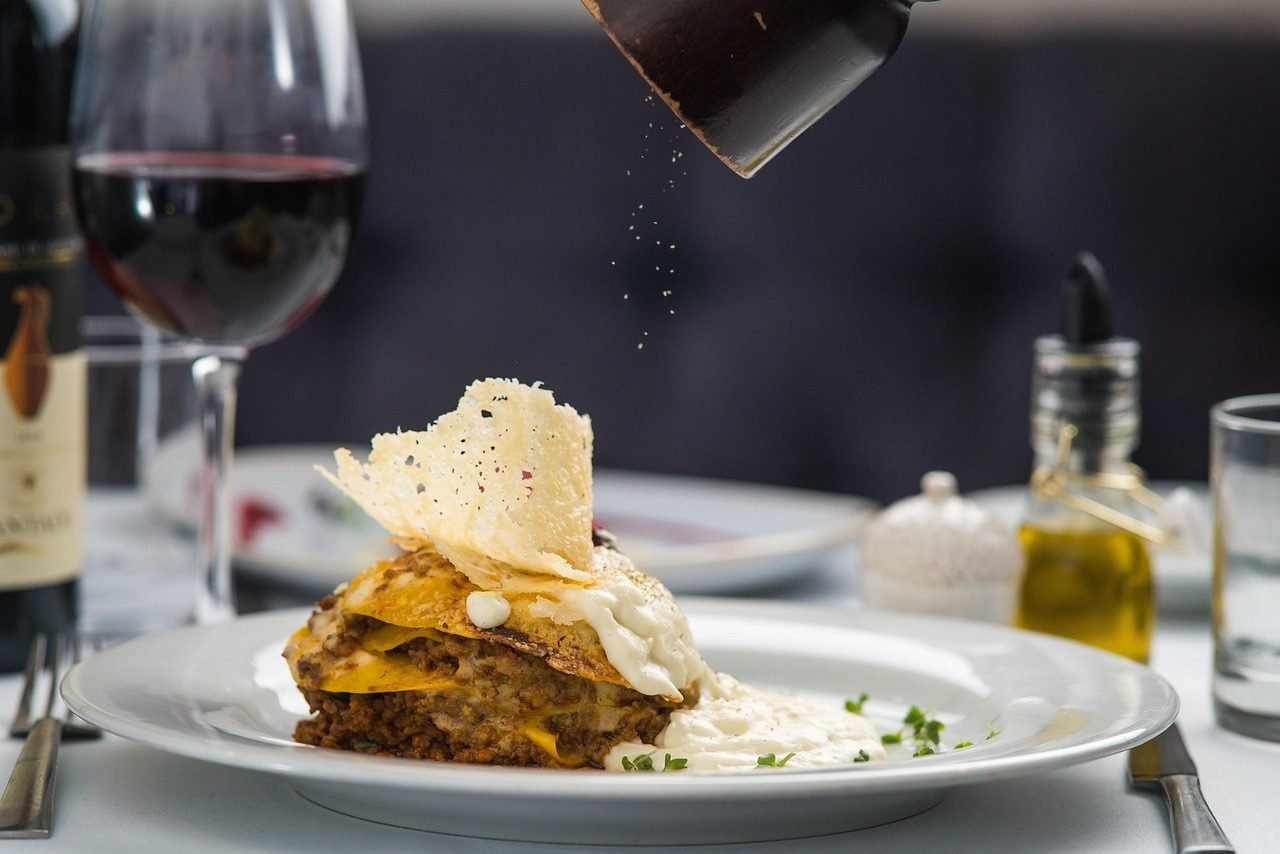
Gallery
Follow Us on Social Media
How to View the Menu in Augmented Reality
📱 Explore our menu in 3D directly from your phone.
Choose one of the two available options:
1. View the Full-Size Menu
Perfect for enjoying the full experience while standing.
- Tap the “View Standing AR Menu” button.
- Point your phone’s camera toward the floor.
- Find an open, flat, and well-lit area.
- Place the menu about 5 to 6.5 feet (1.5 to 2 meters) in front of you.
- Move around slowly to view it from different angles.
2. View the Tabletop Menu
Perfect for exploring the menu while seated at a table or desk.
- Tap the “View Tabletop AR Menu” button.
- Point your phone’s camera toward a table, desk, or other flat surface.
- Hold your phone steady for a few seconds while it detects the surface.
- Place the menu on the table and explore it from your seat.
Tip
If the menu does not appear or is not displayed correctly, try moving to a better-lit area, gently move your phone around, or point the camera toward a flat surface again.
Enjoy watching our menu come to life in Augmented Reality!
How to View the Menu in Augmented Reality
Experience Our Menu in Augmented Reality!
View Full-Size Menu
Point your camera at the floor to view it at full size.
View Tabletop Menu
Point your camera at a table or desk.
Share our QR and let others experience it too 😉
This button will take your customers directly to WhatsApp so they can contact you instantly.
This button will take your customers directly to your location on Google Maps.
This button will let your customers call you directly.
These buttons will take your customers directly to the delivery services your business is available on.
These buttons will take your customers directly to your social media pages.